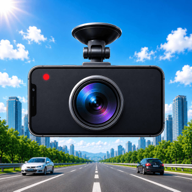
Witnesses drive on
By the time you pull over, the person who saw everything is already gone. Insurance claims and police reports turn into arguments you cannot win without evidence.
DriveCam is the car camera recorder that turns your phone into a reliable witness on every drive. Loop-recorded video with GPS, speed and time stamped in — stored privately on your phone, never in your gallery. No hardware to buy, no cables to run, no account to create.
A fender bender, a staged accident, a brake-checker, a hit-and-run in a parking lot. In every one of those moments it is your word against theirs — and without footage, the conversation rarely ends in your favor.
By the time you pull over, the person who saw everything is already gone. Insurance claims and police reports turn into arguments you cannot win without evidence.
A decent hardware dash cam means paying for a device, wiring it to your fuse box, buying memory cards and hoping it survived another summer on the windshield.
Recording video with your normal camera app fills your gallery with hour-long clips, triggers cloud backups you never asked for, and stops the moment you need the phone.
The gap was never the camera. It was the software that turns the phone you already own into a dependable drive recorder.
DriveCam was designed for the road from day one: mount your phone, tap record, and drive. Loop recording, GPS stamps, night mode, voice control — even heat protection is handled for you.
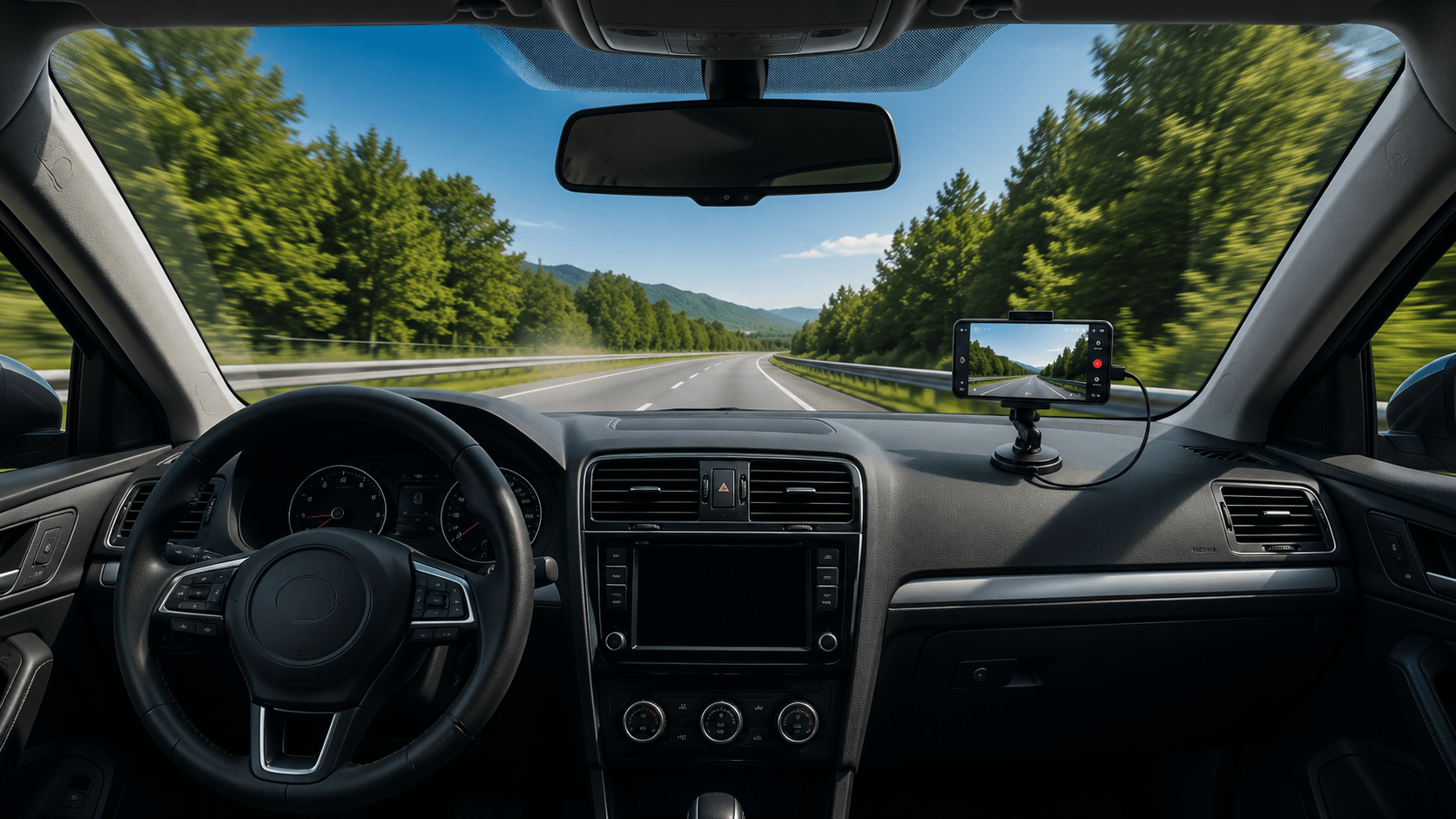
Any phone holder works. Open DriveCam and the full-screen preview frames the road ahead instantly — no menus, no fiddling at a red light.
One tap starts loop recording. Clips are cut into 1, 2 or 3-minute segments and the oldest rotate out automatically, so storage never silently fills up.
Speed, GPS and time are stamped into every clip. Lock the ones that matter, share them instantly, or generate a police-ready incident report in seconds.
Already have an old phone in a drawer? Perfect. It becomes a dedicated dash cam, and your daily phone never leaves your pocket.
Every feature exists to answer one question: when something happens, will you have what you need to prove it?
A dated, GPS-stamped incident report with map, maximum speed and duration — generated from the footage itself, ready to hand to police or your insurer.
Start recording, lock a clip, take a photo or switch night mode with your voice. Fully offline, so it works in tunnels and dead zones.
Videos live in a private folder inside the app — never in your gallery, never uploaded to a cloud, never scanned by anyone else.
Thermal protection, low-battery alerts and background recording keep the camera running from the first mile to the last, screen off.
Short answers. Real ones.
Yes. The free plan covers everyday recording: loop recording, GPS stamps, night mode, voice control and the private gallery. PRO — a single one-time purchase — unlocks maximum video quality, full storage control, live streaming and driving statistics. You can also unlock a 7-day PRO trial by watching a few short rewarded ads.
No device to buy, no wiring, no memory cards. DriveCam uses the phone already mounted on your windshield — or the old phone sitting in a drawer — as a full drive recorder. Same evidence, zero extra hardware.
In a private folder inside the app. They never appear in your phone gallery, are never uploaded anywhere, and stay fully under your control. Set a storage limit and DriveCam rotates old clips automatically so the app never balloons in size.
DriveCam monitors phone temperature and pauses recording with a cooling notice before things get dangerous. Battery alerts let you set a low-battery threshold, and background recording keeps screen-off power use low.
Yes. Background recording keeps capturing with the screen off — on Android through a foreground service, on iPhone through background audio. Your phone can stay locked while DriveCam keeps filming.
No. Recording, GPS stamping and even voice control work fully offline. Internet is only used for optional live streaming to your own server, ads in the free plan, and store purchases.
I am the developer behind DriveCam and I answer every message myself. Whether you found a bug, want a feature, or just want to say hi — write to me. Your email app will open with everything already filled in.
This form opens your email app — nothing is sent to any server and nothing is stored on this website.